
The complete guide
What a cardioid pattern actually does for your recordings
The Zylia Pro Have it all uses a cardioid polar pattern, which describes the shape of the area around the capsule that picks up sound most sensitively. Understanding that shape matters more than most buyers realise, because it is the single biggest factor in how much of your room ends up in the recording alongside your voice.
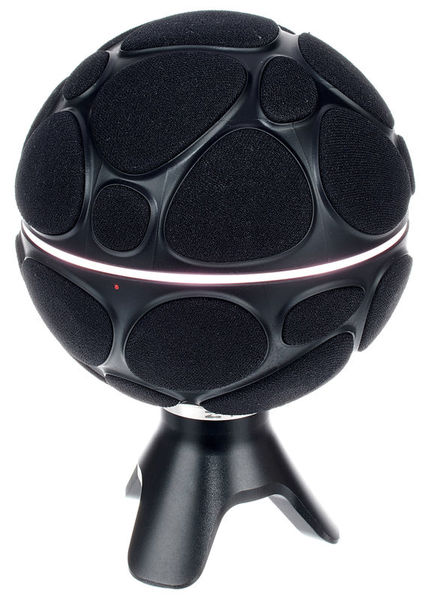
On the Zylia Pro Have it all specifically, Zylia states: Enables 3D audio recordings as well as multitrack recordings of the entire music scene with only one microphone; based on the ZM-1 microphone array with 19 digital MEMS microphones distributed on a sphere; Connection to the computer via USB. At £1684.99 it sits in the premium tier of this catalogue, and those specific figures (not just the USB connection type) are what should decide whether it fits your setup over another Zylia model or a different brand at a similar price.
A cardioid pattern is built to be most sensitive to sound arriving from directly in front of the capsule, and progressively less sensitive to sound from the sides and rear. In practice, that means speaking straight into the microphone captures your voice clearly while a fan, a computer, or street noise behind or beside it gets picked up at a noticeably lower level, not eliminated but reduced.
No polar pattern is a substitute for basic room treatment — a hard-floored room with bare walls will still sound reflective no matter which microphone you use — but pattern selection is the cheapest and most immediate control you have over unwanted background noise, and it costs nothing to use correctly: it just means positioning the mic to face you directly rather than off to one side.
If you record in a shared space, near a PC, or somewhere with unavoidable ambient noise, positioning yourself directly on-axis to the Zylia Pro Have it all is the single most effective free adjustment you can make before reaching for any noise-reduction software.